- WLAN- und Netzwerkgeräte
- 38 views
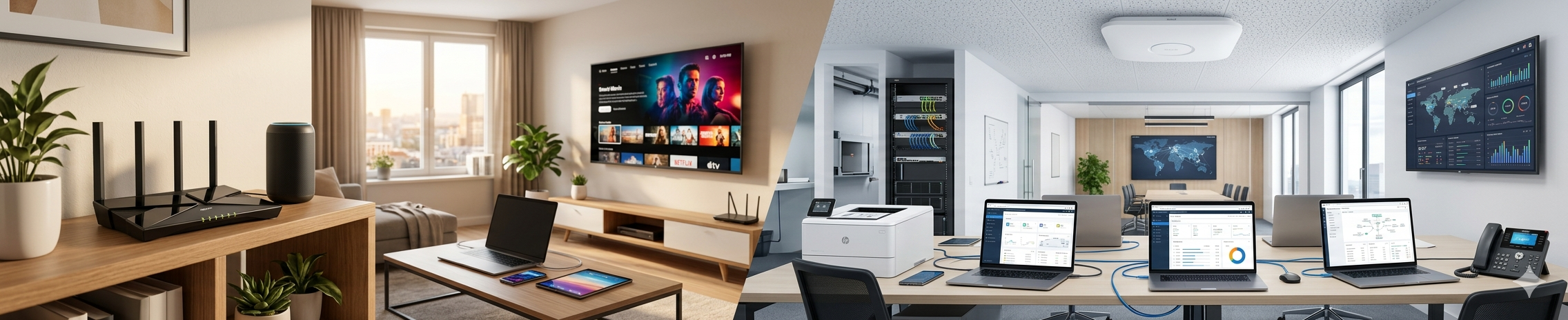
Wireless networking has become an essential part of modern homes and businesses. Whether in private households, home offices, hotels, retail stores or large companies – WLAN connects computers, smartphones, tablets, surveillance cameras, smart-home systems and IoT devices reliably and efficiently.
Today, WLAN is far more than simply “wireless internet.” Modern wireless solutions provide high speeds, intelligent management, advanced security features, seamless roaming and cloud-based administration. At the same time, manufacturers differ significantly in terms of functionality, scalability, performance and target audience.
In this article, we explain the basics of WLAN technology, modern wireless standards and introduce leading manufacturers such as Reyee by Ruijie Networks, Ubiquiti, TP-Link, MikroTik, ASUS, NETGEAR, Cisco, Aruba Networks (HPE Aruba Networking) and Linksys.
What Is WLAN?
WLAN stands for “Wireless Local Area Network” and describes a wireless network that allows devices to communicate with each other and access the internet without physical cables. Communication is based on IEEE 802.11 wireless standards.
Main advantages of WLAN:
- No network cables required
- Flexible internet access throughout the building
- Easy connection of multiple devices
- Ideal for smartphones, laptops and smart-home systems
- Expandable with access points and mesh systems
Today, wireless networks are standard in nearly every modern environment.
The Most Important WLAN Standards
Wireless technology has evolved significantly over the years.
WiFi 4 – 802.11n
- Older wireless standard
- Uses 2.4 GHz and partly 5 GHz
- Suitable for basic applications
- Lower overall speed
WiFi 5 – 802.11ac
- Very widely used
- Mainly operates on 5 GHz
- High data transfer rates
- Excellent for streaming and gaming
WiFi 6 – 802.11ax
- Modern wireless standard
- Better performance with many connected devices
- Improved efficiency
- Ideal for smart homes and businesses
WiFi 6E
- Extended version of WiFi 6
- Adds support for the 6 GHz band
- Less interference
- Extremely high speeds
WiFi 7
- Latest generation
- Extremely high throughput
- Very low latency
- Future-ready for demanding applications
Routers, Access Points and Mesh Systems – What’s the Difference?
Wireless Routers
A router connects the local network to the internet and usually also provides wireless connectivity.
Ideal for:
- Apartments
- Smaller homes
- Home office environments
Access Points
Access points extend existing networks and improve wireless coverage.
Advantages:
- Professional WLAN coverage
- Ideal for larger buildings
- Centralized management
- High stability and performance
Mesh Systems
Mesh WiFi systems intelligently connect multiple wireless devices.
Advantages:
- Seamless roaming
- Single wireless network throughout the building
- Ideal for large homes
- Easy scalability
Important Factors When Choosing WLAN Devices
Several important criteria should be considered when selecting wireless hardware.
Speed
High wireless speeds are important for:
- Streaming
- Gaming
- Video conferencing
- Cloud services
Coverage
Thick walls, reinforced concrete and multiple floors can significantly reduce wireless signal quality.
Security
Important security features include:
- WPA2
- WPA3
- VLAN separation
- Guest networks
Management
Professional systems often provide:
- Cloud management
- Remote administration
- User management
- Network monitoring
Scalability
Businesses especially should choose systems that can grow with future requirements.
Leading WLAN Manufacturers Overview
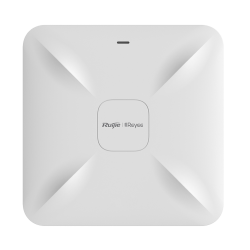
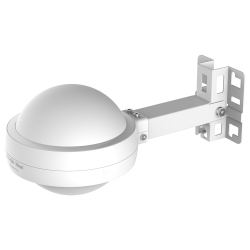
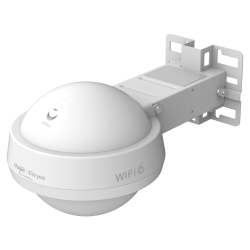
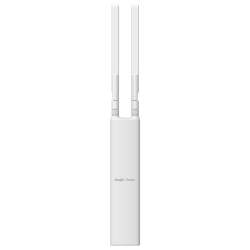
Reyee by Ruijie Networks
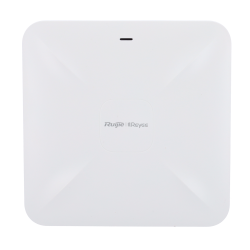
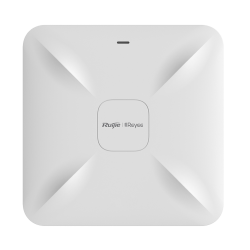
Reyee is part of the well-known Ruijie group and offers modern cloud-managed networking solutions.
Popular for:
- Small businesses
- Hotels
- Restaurants
- Offices
- Commercial environments
Advantages:
- Easy deployment
- Centralized cloud management
- Excellent price-performance ratio
- Modern mesh technologies
- Professional access points
Reyee has become increasingly popular in the professional wireless market.
Ubiquiti
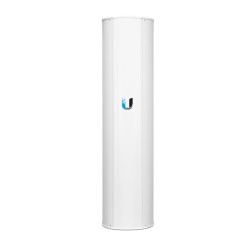
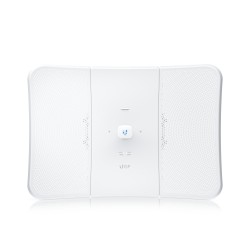
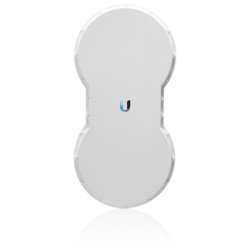
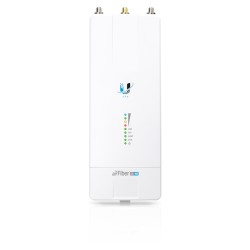
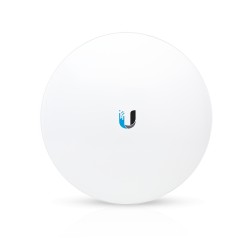
Ubiquiti is one of the world’s most recognized manufacturers of professional wireless networking solutions.
The UniFi product line is especially popular.
Typical use cases:
- Businesses
- Schools
- Hotels
- Advanced home networks
Advantages:
- High-performance access points
- Modern management interface
- Centralized administration
- Complete networking ecosystem
- Excellent scalability
Popular products:
- UniFi Access Points
- UniFi Dream Machine
- UniFi Switches
- UniFi Protect
TP-Link
TP-Link offers wireless solutions for nearly every type of user.
Popular product lines:
- Archer
- Deco Mesh
- Omada Business
Advantages:
- Affordable entry-level devices
- User-friendly setup
- Strong mesh systems
- Professional Omada platform
The Omada series now competes directly with UniFi business solutions.
MikroTik
MikroTik is especially popular among IT professionals and network administrators.
Strengths:
- Extremely flexible configuration
- Powerful RouterOS software
- Advanced routing capabilities
- VLAN, VPN, firewall and QoS support
Ideal for:
- Businesses
- Internet service providers
- Technically demanding networks
However, MikroTik devices typically require more networking knowledge than standard consumer hardware.
ASUS
ASUS is especially known for gaming and high-performance networking hardware.
Advantages:
- Extremely fast wireless routers
- Gaming optimizations
- Strong security features
- Powerful hardware
Popular for:
- Gaming
- Streaming
- Home offices
- Smart-home environments
ASUS “AiMesh” technology allows flexible network expansion.
NETGEAR
NETGEAR offers both consumer and professional networking solutions.
Popular product series:
- Nighthawk
- Orbi Mesh
- Insight Business
Advantages:
- High-performance mesh systems
- Fast wireless speeds
- Easy app management
- Wide product portfolio
Orbi systems are among the most popular premium mesh solutions available today.
Cisco
Cisco is one of the world’s largest networking manufacturers.
Typical use cases:
- Large enterprises
- Data centers
- Educational institutions
- Industrial environments
Advantages:
- Exceptional reliability
- Enterprise-grade features
- Advanced security capabilities
- Professional network management
Cisco solutions are powerful but often more complex and expensive than consumer-oriented systems.
Aruba Networks (HPE Aruba Networking)
Aruba is part of Hewlett Packard Enterprise and is strongly positioned in the enterprise networking sector.
Advantages:
- Excellent wireless performance
- AI-driven network management
- Cloud-based administration
- Advanced security features
Ideal for:
- Businesses
- Schools
- Hotels
- Healthcare environments
Aruba is especially popular for large-scale professional wireless deployments.
Linksys
Linksys is one of the longest-established wireless networking brands.
Known for:
- Simple home networking
- Mesh WiFi systems
- User-friendly operation
Suitable for:
- Apartments
- Families
- Home offices
Many Linksys products offer easy smartphone-based setup.
WLAN in Business Environments
Professional wireless networks differ significantly from standard home setups.
Important requirements include:
- High reliability
- Support for many simultaneous users
- Secure guest networks
- VLAN separation
- Centralized management
- Redundancy and failover
Professional installations typically use multiple centrally managed access points.
Popular business solutions include:
- Ubiquiti UniFi
- TP-Link Omada
- Aruba
- Cisco
- Reyee
WLAN Security – A Critical Topic
Unsecured wireless networks can create serious security risks.
Best practices:
- Use WPA3 whenever possible
- Create strong passwords
- Keep firmware updated
- Configure guest networks
- Separate IoT devices from the main network
- Secure remote access properly
Smart-home and IoT devices should ideally operate on isolated network segments.
WLAN and Smart Homes
More and more devices are permanently connected to wireless networks:
- Surveillance cameras
- Video door intercom systems
- Alarm systems
- Smart TVs
- Voice assistants
- Heating controls
- IoT sensors
As a result, modern networks require:
- Greater stability
- Better coverage
- Higher security
- Support for many simultaneous devices
WiFi 6 offers major improvements in these areas.
Common WLAN Problems
Poor Coverage
Possible causes:
- Thick walls
- Poor device placement
- Too few access points
Slow Connections
Common reasons:
- Congested wireless channels
- Outdated hardware
- Interference from neighboring networks
Connection Drops
Often caused by:
- Weak signal quality
- Firmware issues
- Incorrect configuration
Professional WLAN planning can prevent many of these problems.
Conclusion
Modern WLAN technology is far more than just wireless internet access. Today’s networks must be fast, reliable, secure and scalable – both in private homes and in professional business environments.
Choosing the right manufacturer depends heavily on the intended use case:
- Reyee: Affordable professional business solutions
- Ubiquiti: Popular modern networking ecosystem
- TP-Link: Strong all-round solutions for home and business
- MikroTik: Ideal for advanced networking professionals
- ASUS: Excellent for gaming and high-performance setups
- NETGEAR: Powerful mesh networking systems
- Cisco: Enterprise networking for the highest demands
- Aruba Networks: Professional large-scale wireless infrastructures
- Linksys: User-friendly home networking solutions
A well-designed WLAN network not only improves internet speed but also increases security, productivity and overall user experience.
Related products